
Automate first contact with LLM voice assist
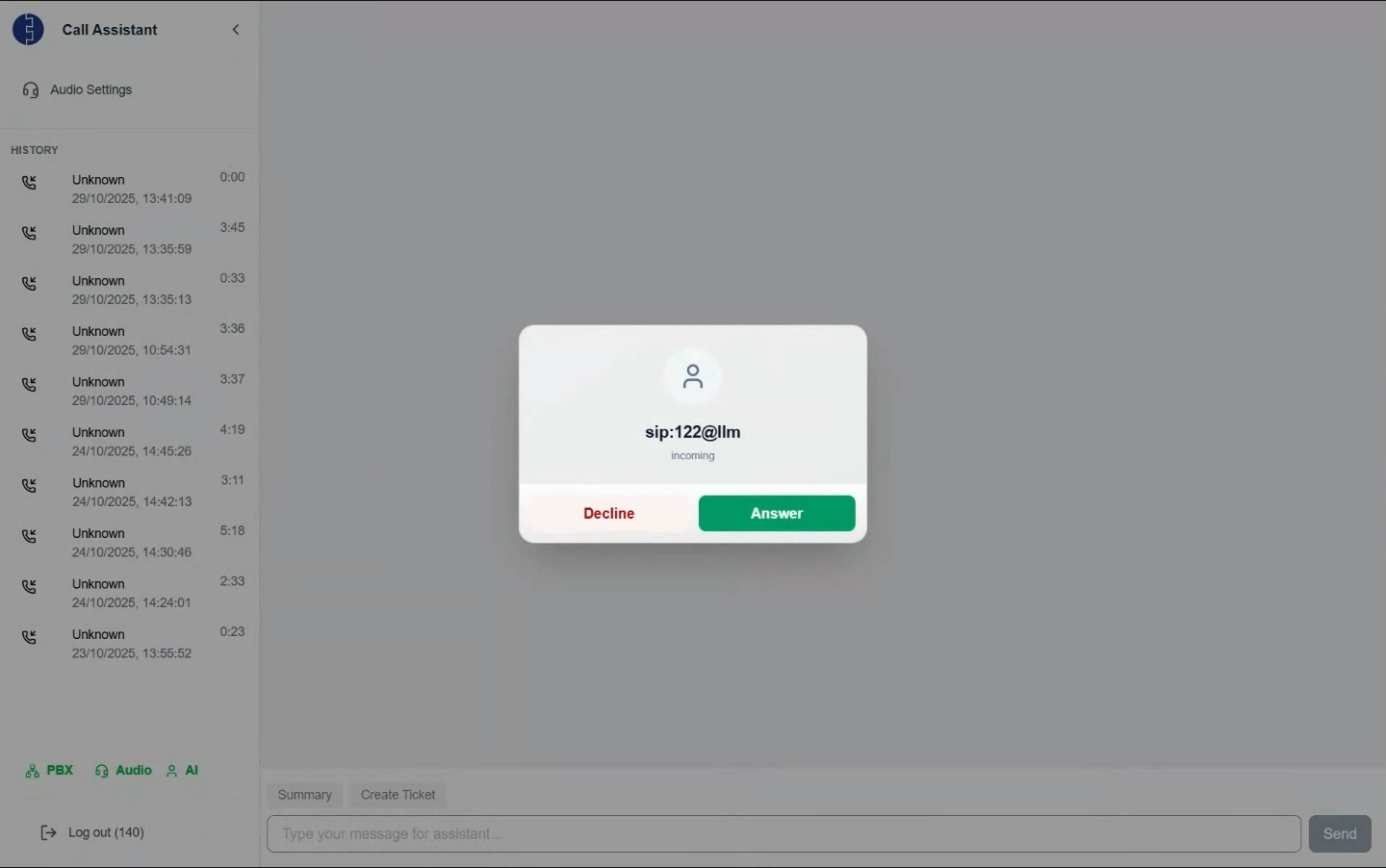
Choose the level of automation
LLM Pre-Screen
Out of Office Hours
Full Auto Mode
Human Assist or LLM response with custom accents
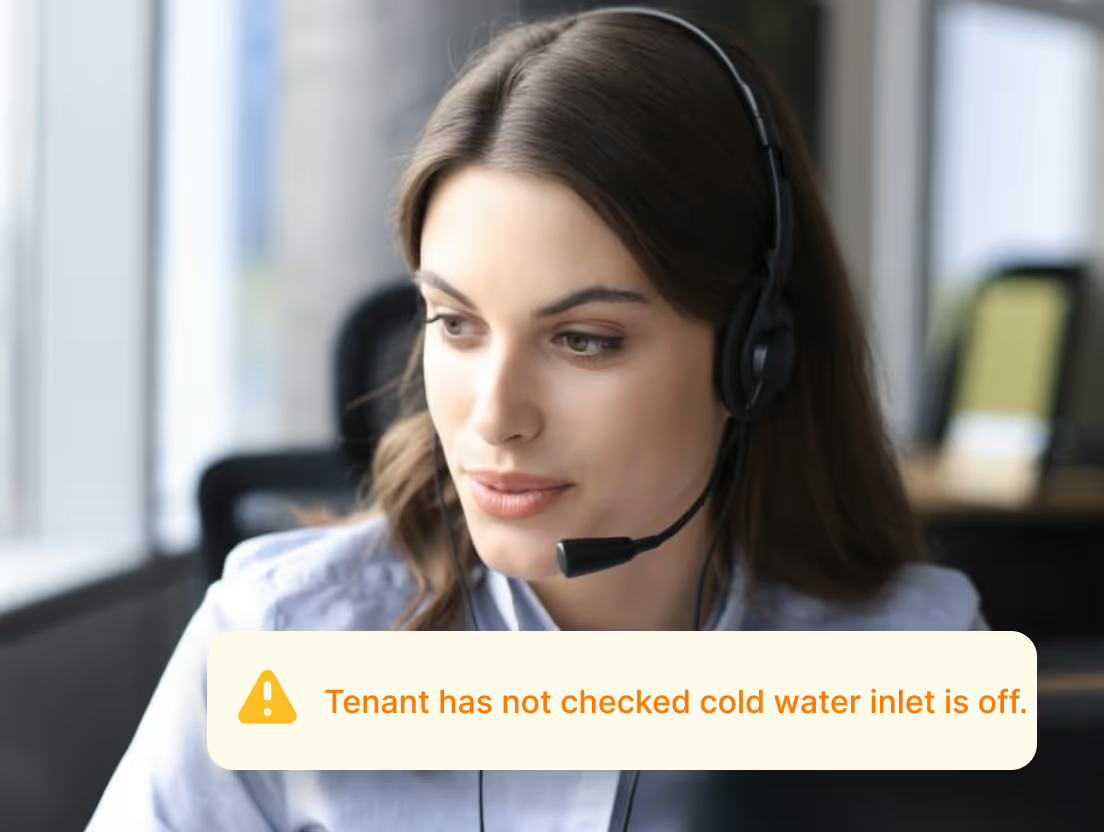
Human Call Q&A Assist
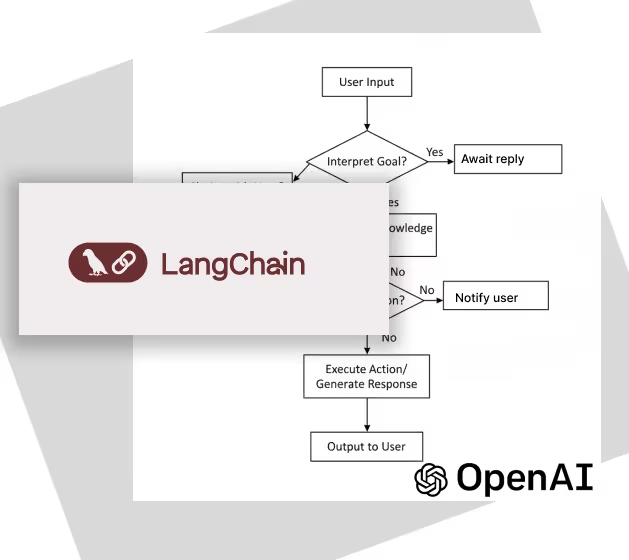
Diagnosis
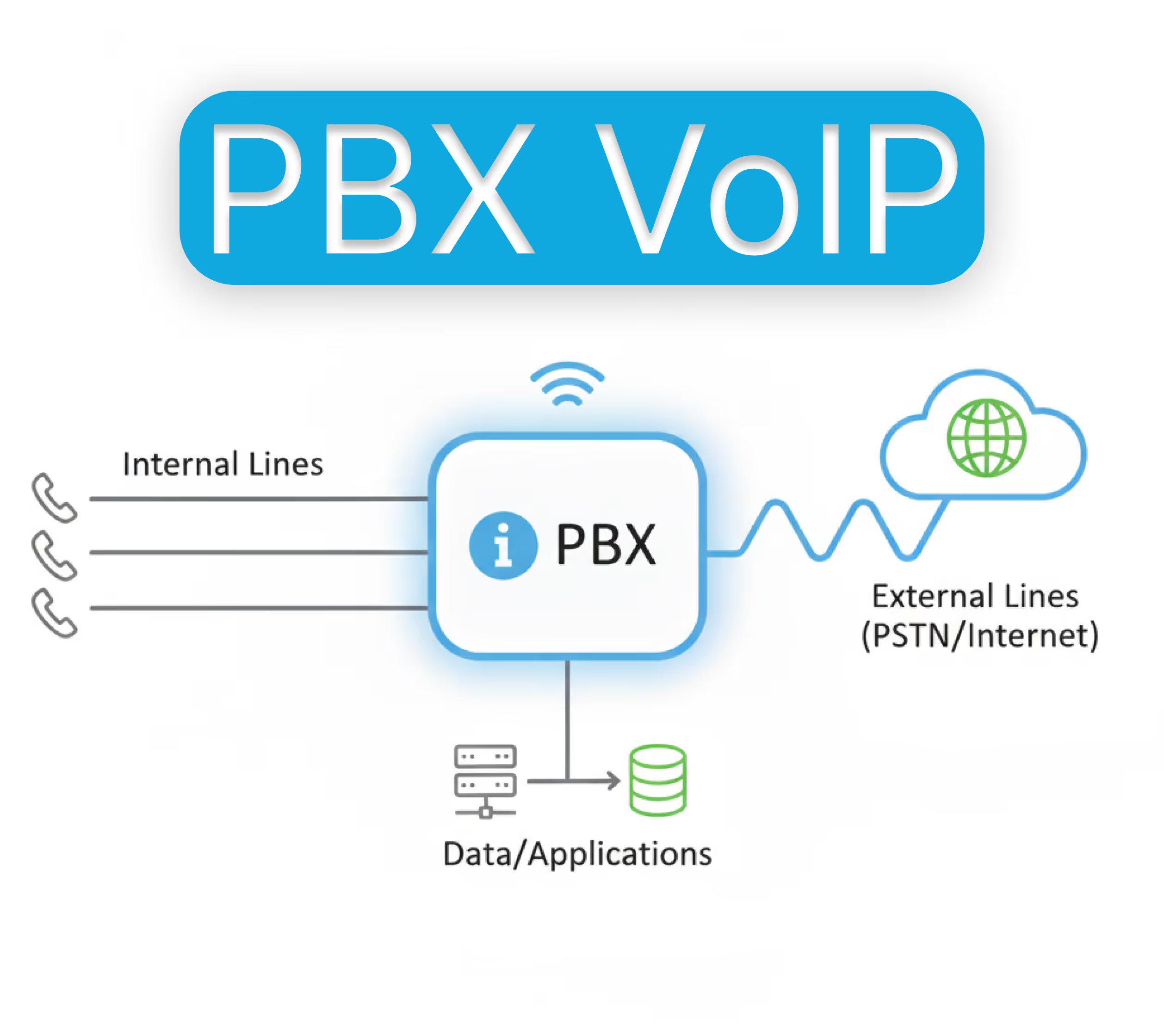
Customisable Agentic tools
Frequently Asked Questions
Lorem ipsum dolor sit amet, consectetur adipiscing elit. Maecenas lectus dolor, interdum non mattis sed, porta in sem. Phasellus ut lorem porta, sollicitudin ligula in, blandit eros. Fusce condimentum tempus elit, vitae mattis lorem iaculis at. Morbi sagittis enim non maximus pulvinar. Vivamus dui ex, dictum at dolor eget, sagittis interdum ante. Maecenas gravida ante quis velit rhoncus cursus. Nulla id bibendum ligula. Sed suscipit neque est, non tristique dui tristique et.
The level of integration can be set based on the CRM you are using. Call summaries and call transcription logs can be transferred along with audio. Data protection policy restrictions apply.
No, images cannot be sent. Call Assist is a phone call, so only sound can be transmitted. It is not a video call.
Private data repos are setup for your organisation when your account is created. The LLM can access only your own data, and only the authorised phones that are set in your customer database. This means that the app will can have additional contextual data such as boiler type, hob brand and model, appliance serial numbers and other such data.